All of these are in Settings ▸ Playback, and all of them are about a series rather than a single file.
Skip intro and credits
Where your server marks them, photon offers a button over the picture. A recap counts as an intro, and a trailer for the next episode counts as credits, so there are two switches rather than four.
| Show Skip Intro | Offers the button when an intro or a recap starts. |
| Auto Skip Intro | Skips it without asking. |
| Show Skip Credits | Offers the button when the credits or the next-episode trailer start. |
Two things worth knowing:
- Automatic skipping happens once per marker. If you go back into the titles deliberately, they play.
- The two intro switches are independent. Asking for the intro to be skipped automatically is not the same as asking to be shown a button, so you can have either, both or neither.
On Apple TV the button is the system’s own contextual action, drawn by tvOS. On iPhone, iPad and Mac photon draws the same control itself, so the same marker in the same film looks the same on every screen.
Up Next
The next episode is prepared before the current one ends and starts on its own. On Apple TV a card appears over the end of the episode offering it now, and it can be cancelled.
Auto-Advance to Next Episode, under Up Next, turns this off, so each episode stops at its end.
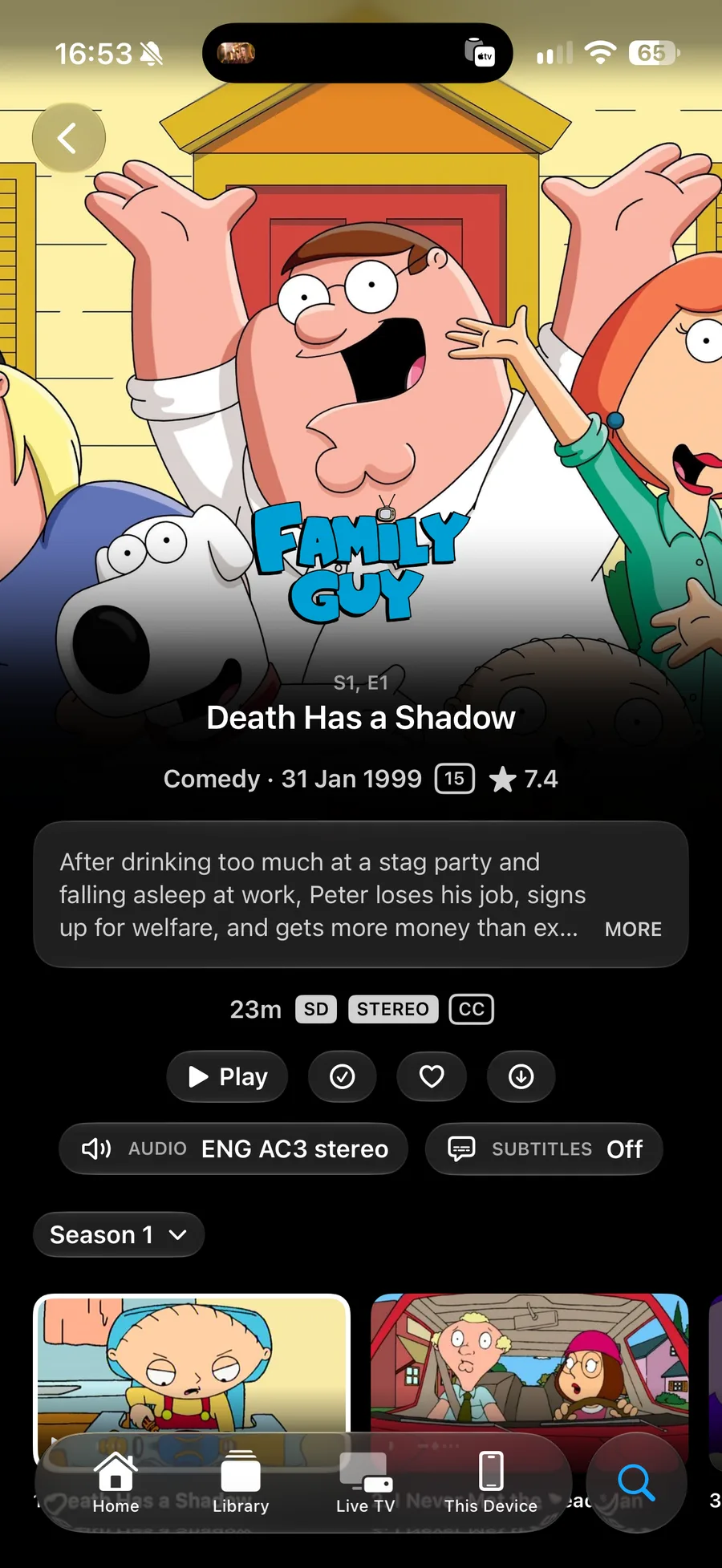
Anything you chose in the player — a subtitle track, an audio track — carries into the next episode, matched by language rather than by track number.
How far the controls jump
Forward Skip and Backward Skip set the jump used by the Now Playing controls: the Lock Screen, headphones, and a car’s steering wheel. Each can be 3, 5, 10, 15, 30 or 60 seconds, and they are set separately, because a backward jump is usually shorter than a forward one.
This does not change the ten-second buttons in the player’s own controls, which are Apple’s.
Background playback
On iPhone and iPad, Keep Playing in the Background lets audio carry on when you leave the app. Turn it off if you would rather playback stopped with the app.
Theme music
On iPhone, iPad and Apple TV, Play Theme Music plays a show’s own tune under its page. It comes from Plex, Jellyfin and Emby, where the library has one, and it is off by default.
The tune stops as soon as you start playing something, and only one page plays one at a time.