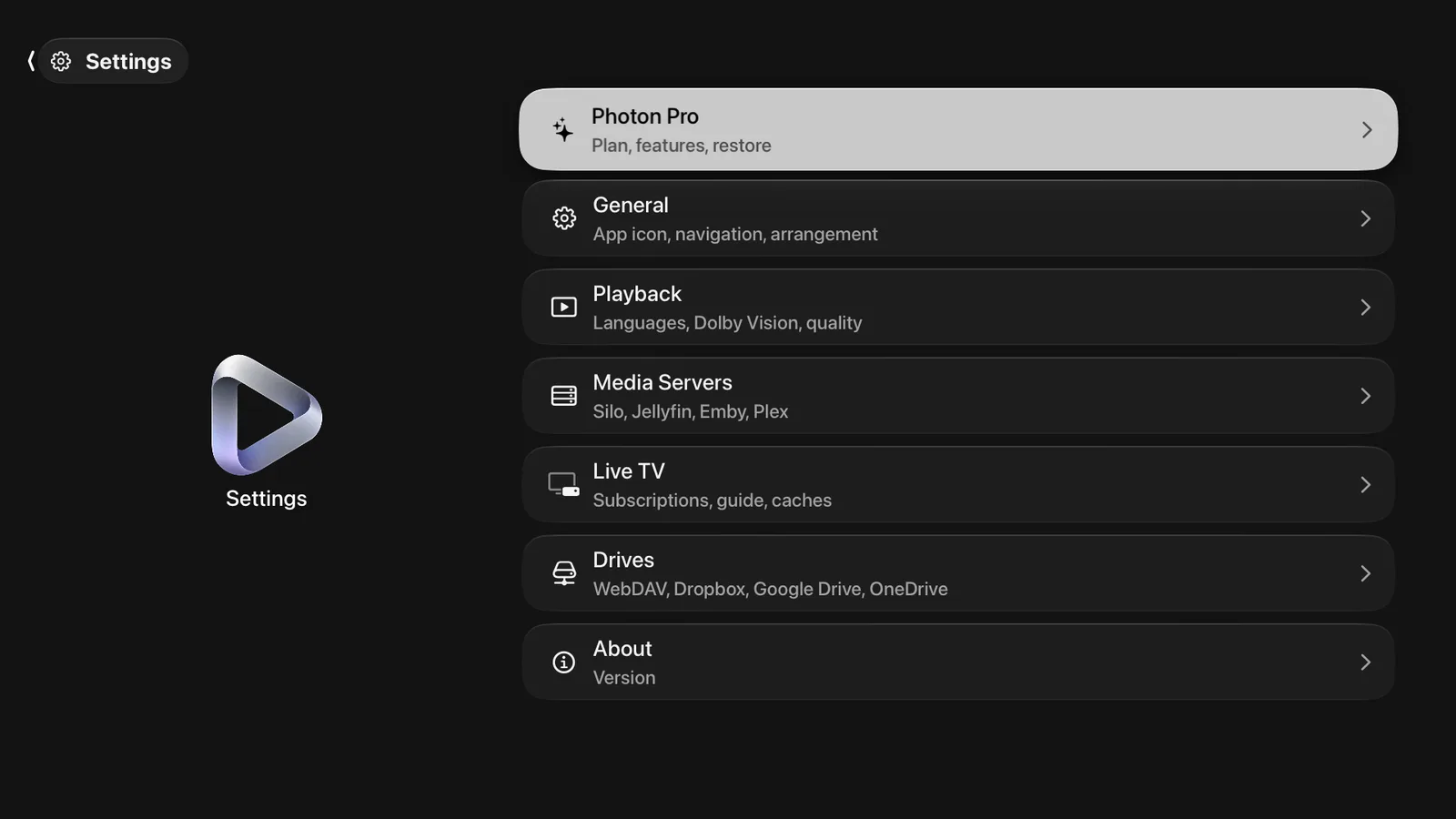
General
Theme, True Black, app icon, card size, iCloud syncing, opening tab, showcase, spoilers, tab order, Home rows, libraries.
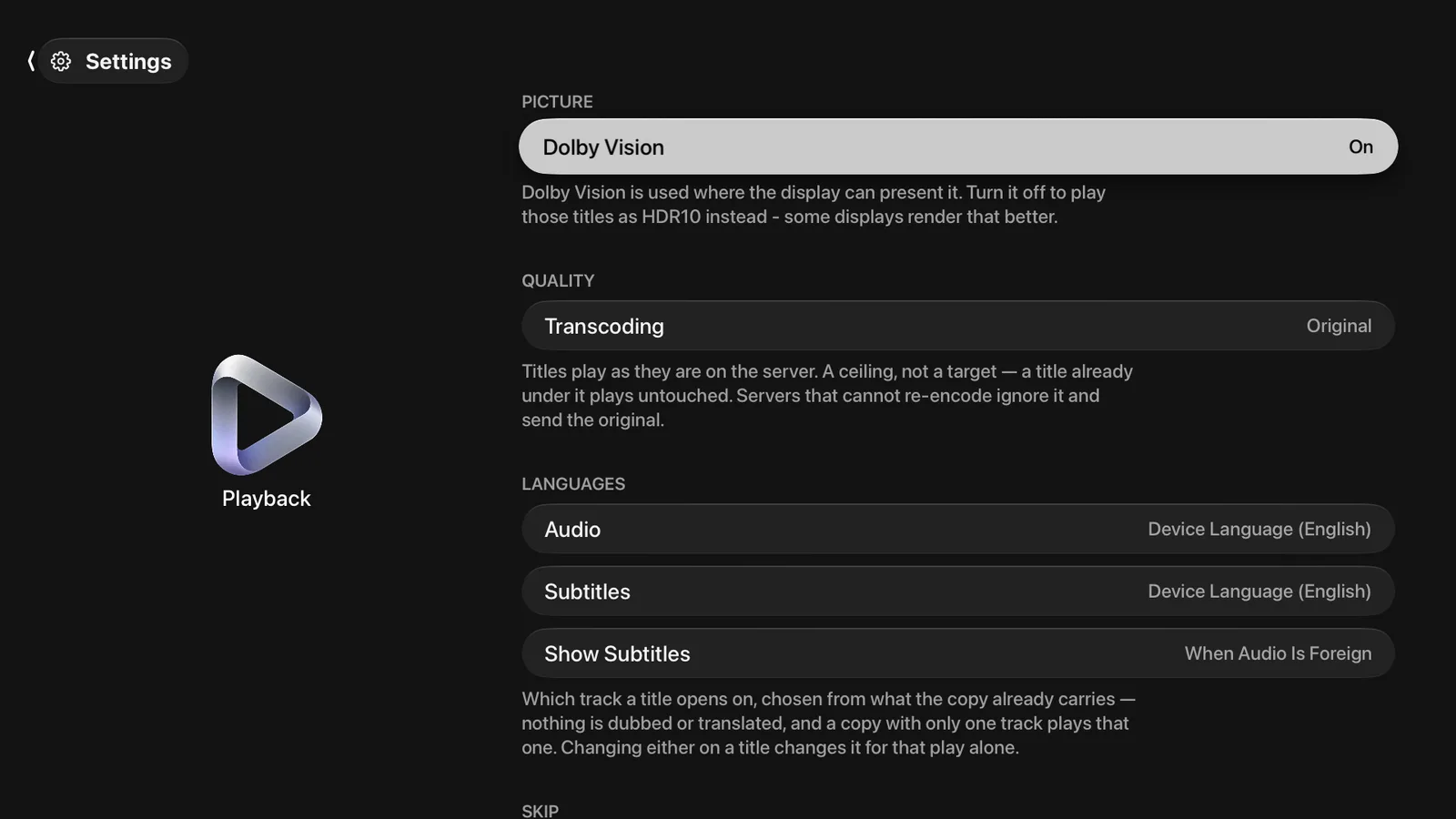
Playback
Dolby Vision, quality ceiling, audio and subtitle languages, skip intro and credits, auto-advance and Up Next, skip distance, background playback, theme music, Live TV buffer. On a Mac, display sleep and blacking out other displays.
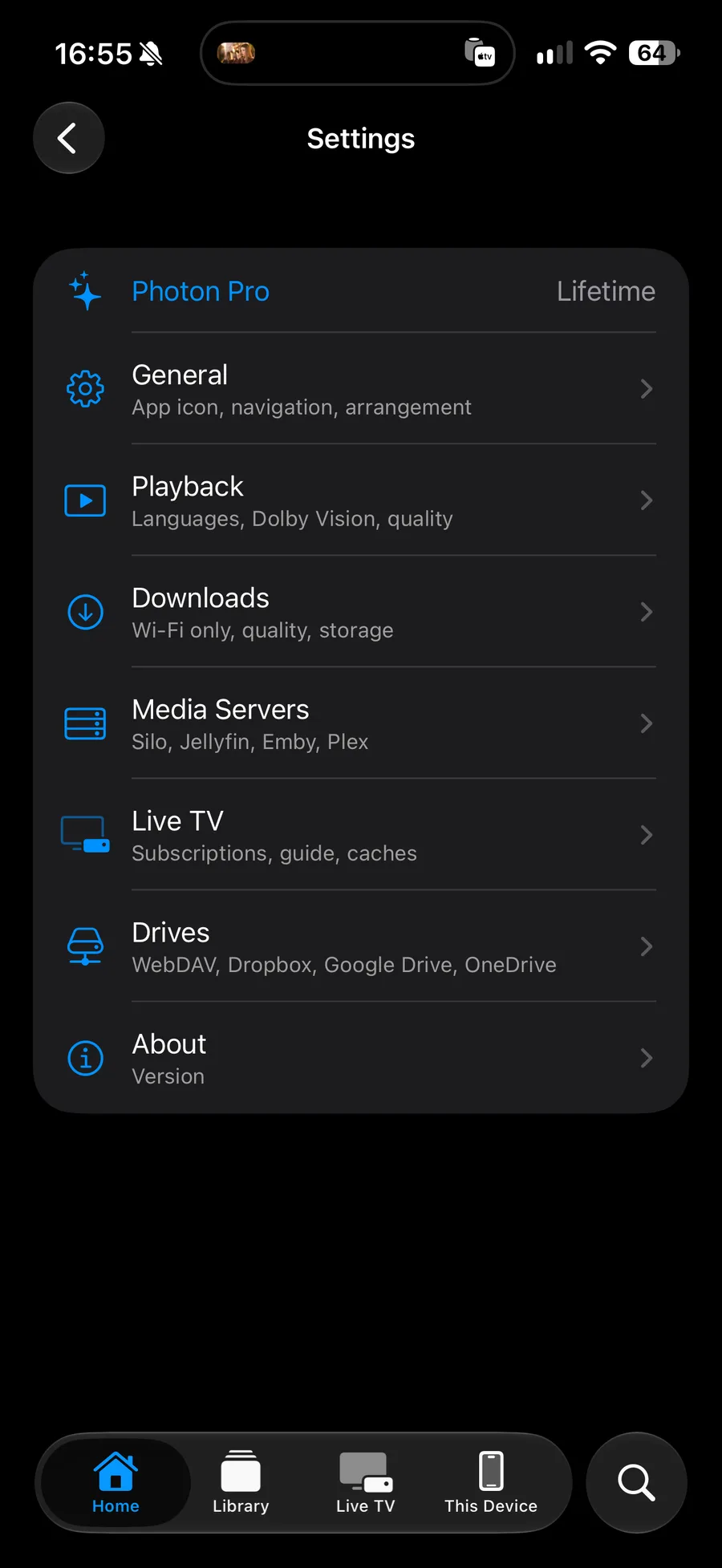
Downloads
Wi-Fi only, download quality, storage in use, and which of your servers allow downloading. Not on Apple TV.
About
App version, and links to the terms, the privacy policy and the acknowledgements.
Media Servers
Every connected Plex, Jellyfin, Emby and Silo server, and Add Server.
Live TV
Your subscriptions, how often the channel list and the guide are refreshed, and the two caches, with the space each uses and a button to clear it.
Drives
Your Dropbox, Google Drive, OneDrive and WebDAV connections, and which folders on each one are used.
A row with a padlock is a Pro feature. Selecting it opens the plan screen.