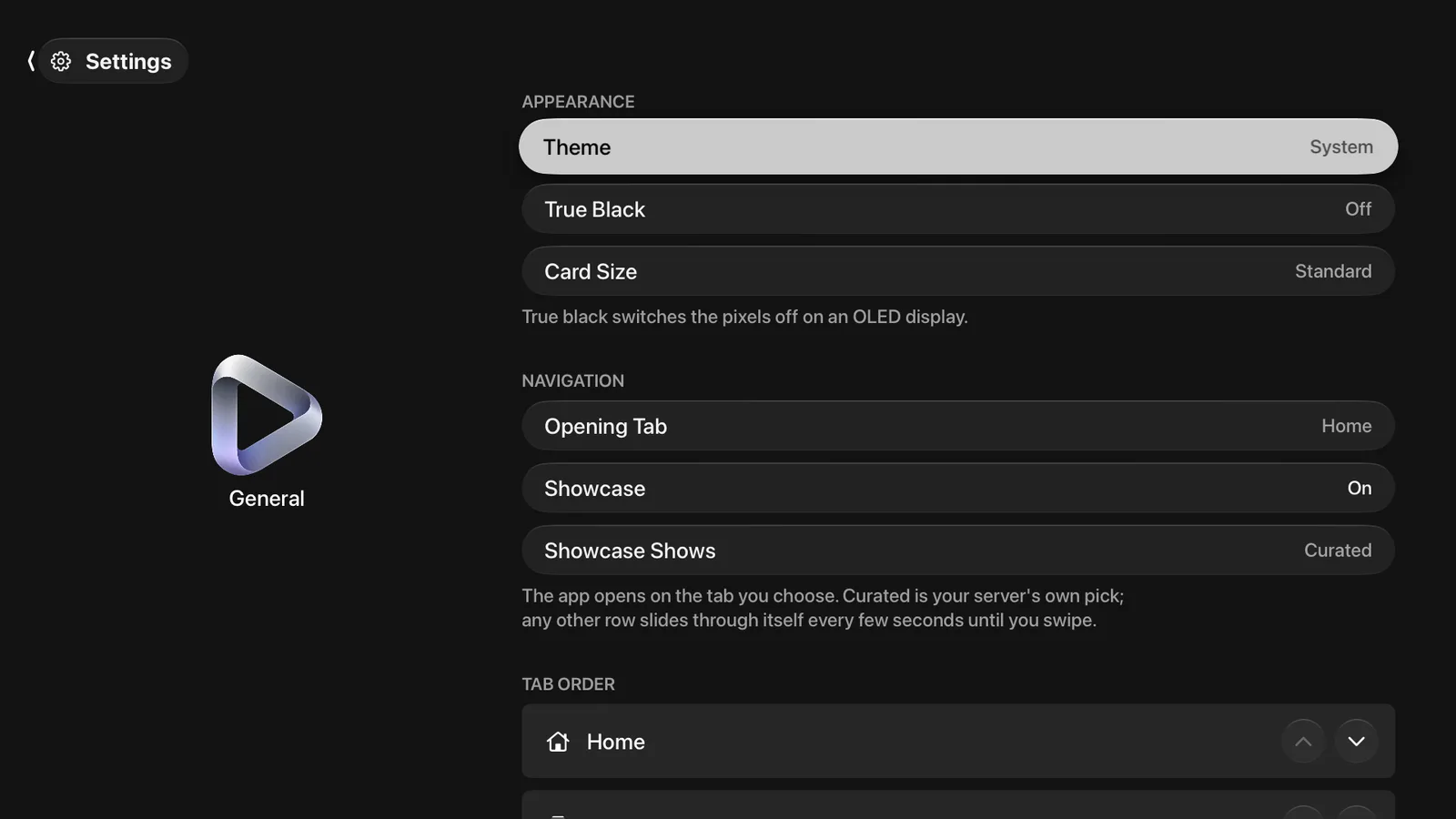
Everything about the shape of the app is in Settings ▸ General, in seven sections. With Pro, all of it follows you to your other devices.
Appearance
| Theme | System, Light or Dark. |
| True Black | Switches pixels off on an OLED display instead of drawing dark grey. |
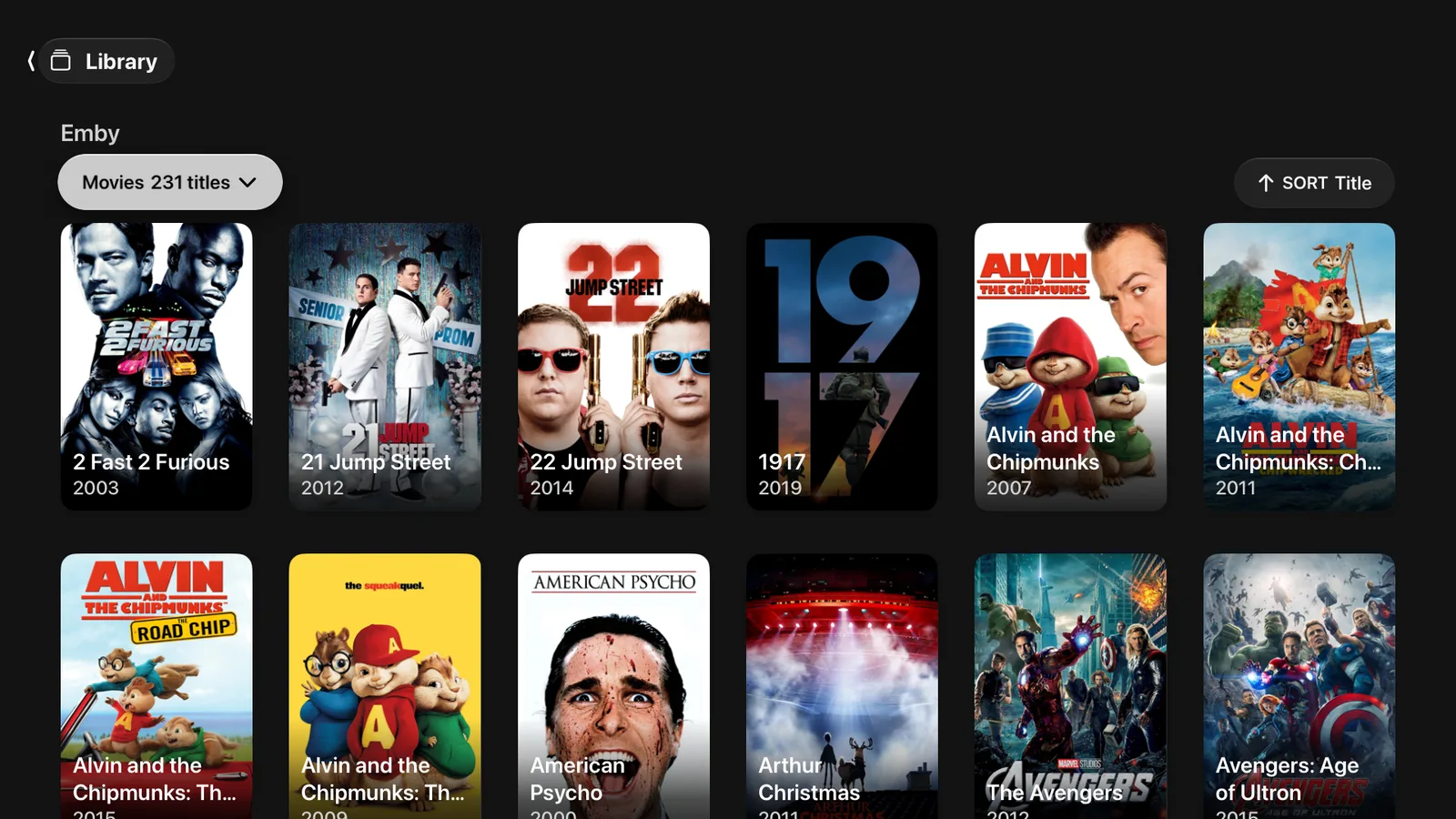
| Card Size | Compact, Standard or Large. It sets how dense every wall and rail in the app is, in one place. |
Navigation
| Opening Tab | Which tab the app lands on when you open it. |
| Showcase | The band across the top of Home. Turning it off gives Home to the rows. |
| Showcase Shows | What the showcase draws from: Curated, your server’s own pick, or any one of your Home rows. |
A showcase pointed at a row moves through that row every few seconds until you swipe.
The three lists
Each of these is a list you reorder with the arrows beside each row.
| Tab Order | The order the tabs appear in. A tab only exists while it has a source behind it, so removing your last subscription takes the Live TV tab with it. |
| Home Rows | The order of the rows on Home, and a switch to hide any of them. Hiding a row removes it from Home only. |
| Libraries | The order of your shelves, and a switch to turn one off. Turning a library off removes it from the whole app, so Home and Search stop offering it too. |
Spoilers
Hide Episode Spoilers blurs the still image on an episode you have not started. An episode you are part way through is not blurred.
What syncs and what does not
With Pro, the settings on this page describe you rather than a machine, so they follow your Apple Account to your other devices. Settings about one machine — Wi-Fi-only downloads, blacking out other displays, preventing display sleep — stay where they are set.