Search asks every source at once and merges the results, in the same way Home does. Your servers, your drives and a Live TV subscription’s films and shows are all covered by one query.
What comes back
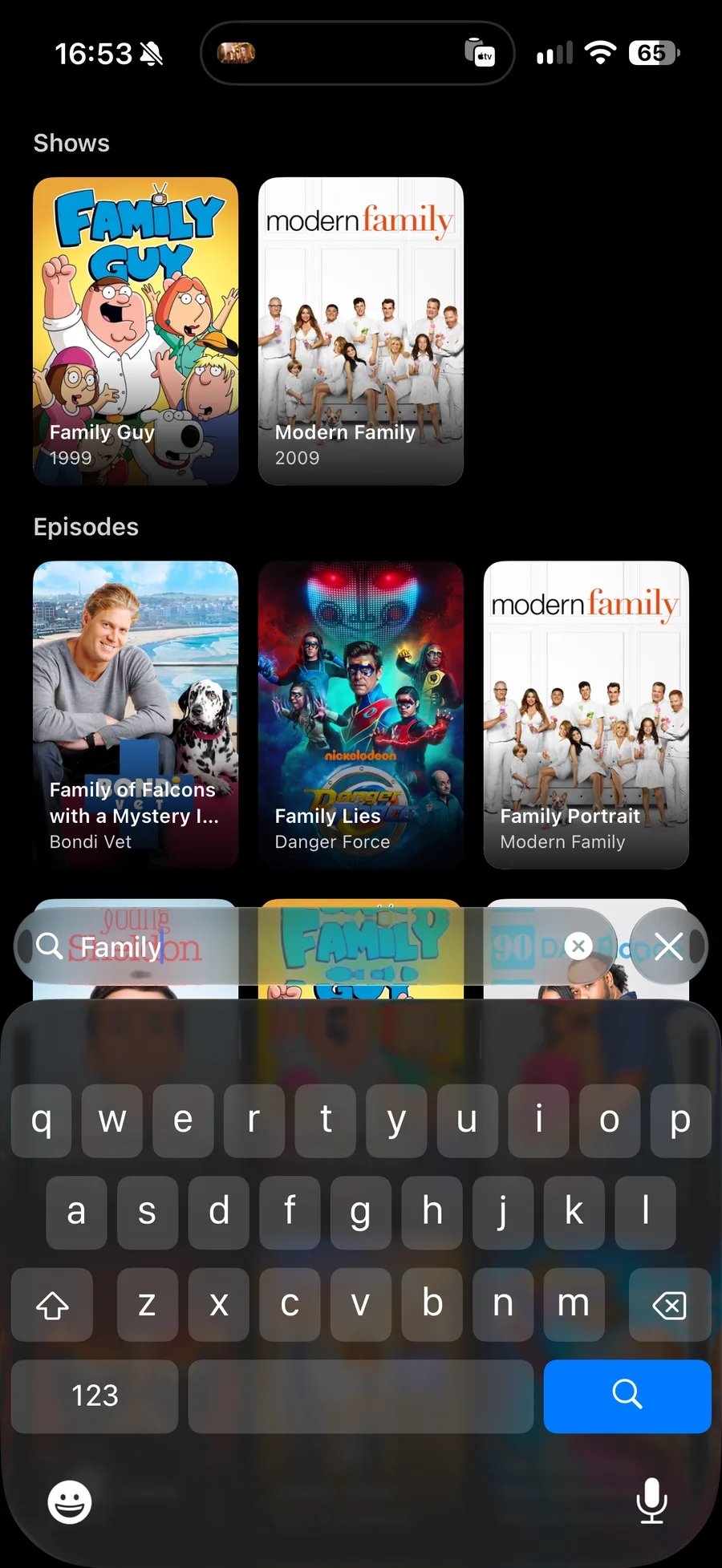
Results are grouped by what they are:
| Films | Matching films from every source. |
| Shows | Matching series. |
| Episodes | Matching episodes, each named with the series it belongs to. |
| People | Actors and directors whose name matches. |
Narrowing to one source
The scopes above the results are All, then one per server. Switching between them filters what you are already looking at rather than asking anything again, so it is instant, and each scope says how many results it has before you open it.
People
Opening an actor or a director gives their filmography as photon can see it, gathered from every source you have connected rather than from whichever one you happened to search.
Recent searches
The empty search screen lists what you have searched for before, so a series you are working through takes one press instead of typing it again.
- Press a term to search it again.
- Press the ✕ beside a term to forget it.
- Clear All forgets the lot.
Typing
Photon waits for a pause in your typing before asking your servers, so a long query is one round trip rather than one per letter. A drive is searched by the folders you added to it, because WebDAV has no search of its own to ask.
On a Mac, ⌘F opens Search from anywhere in the app.