Skip to content

Features

What it does.

One native app across iPhone, iPad, Apple TV and Mac. Here is the whole of it — the servers it connects to, the files it opens on its own, and what it will and will not claim about either.

01

One library

All your servers in one place

Connect Silo, Jellyfin, Emby and Plex — as many as you like, all at the same time. Home and Search cover everything you have connected, so you look in one place instead of four.

  • Search everything at once, or narrow it down to one server
  • Open an actor and see their whole filmography, wherever it happens to be stored
  • If one server is off, the rest of your library carries on as normal
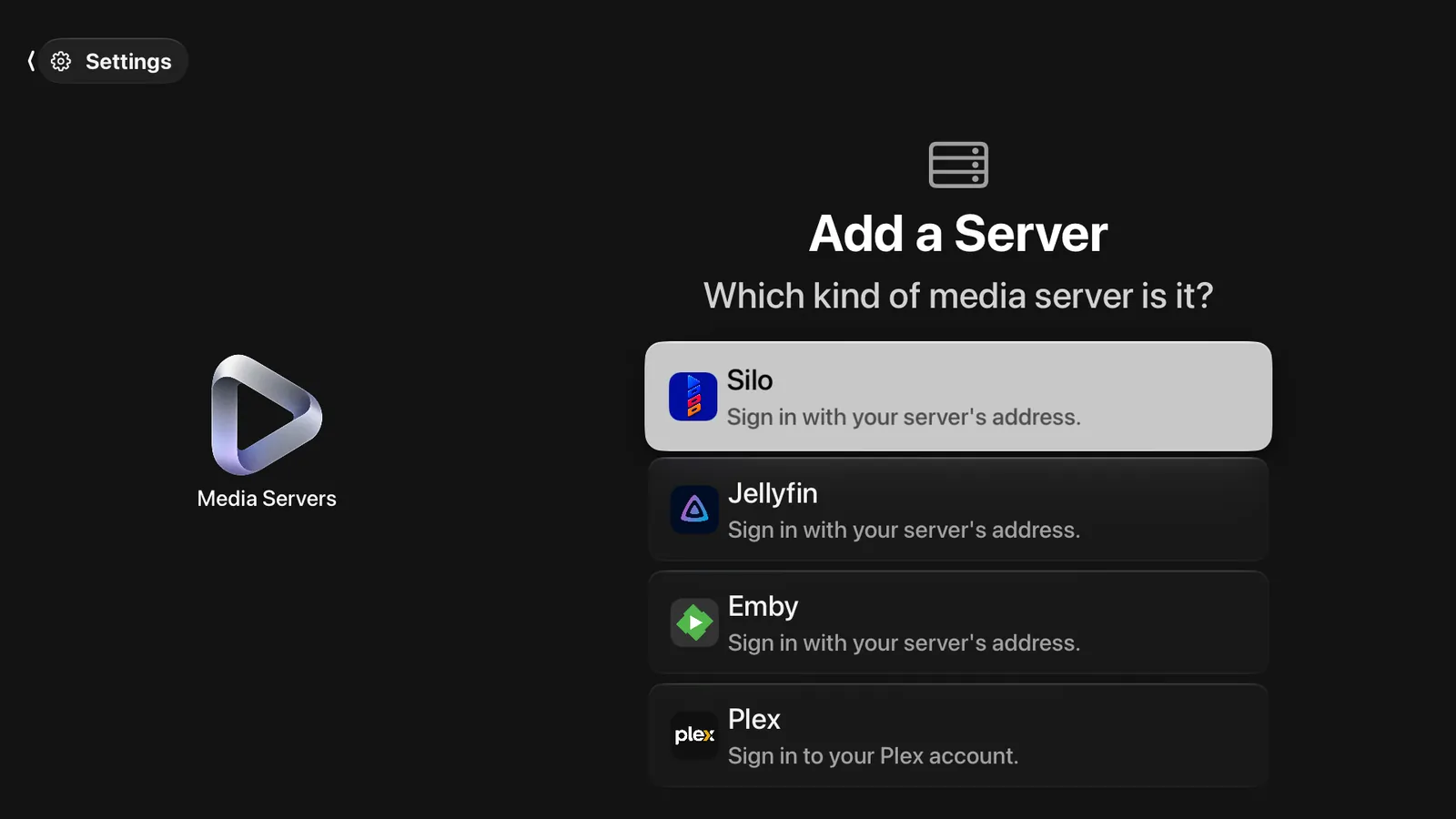
Adding a server on Apple TV: a list to pick from — Silo, Jellyfin, Emby, each signed in with the server's address, and Plex with a Plex account.
02

No server needed

A proper video player in its own right

photon does not need a server to be useful. Double-click a video in the Finder, or press ⌘O, and it plays — the same picture and the same sound as everything else in the app. Make it your default video player and it will handle the files nothing else will.

  • Opens MKV and the formats QuickTime turns down
  • Open Recent remembers your files, and where you got to in each
  • On iPhone and iPad, open videos straight from the Files app
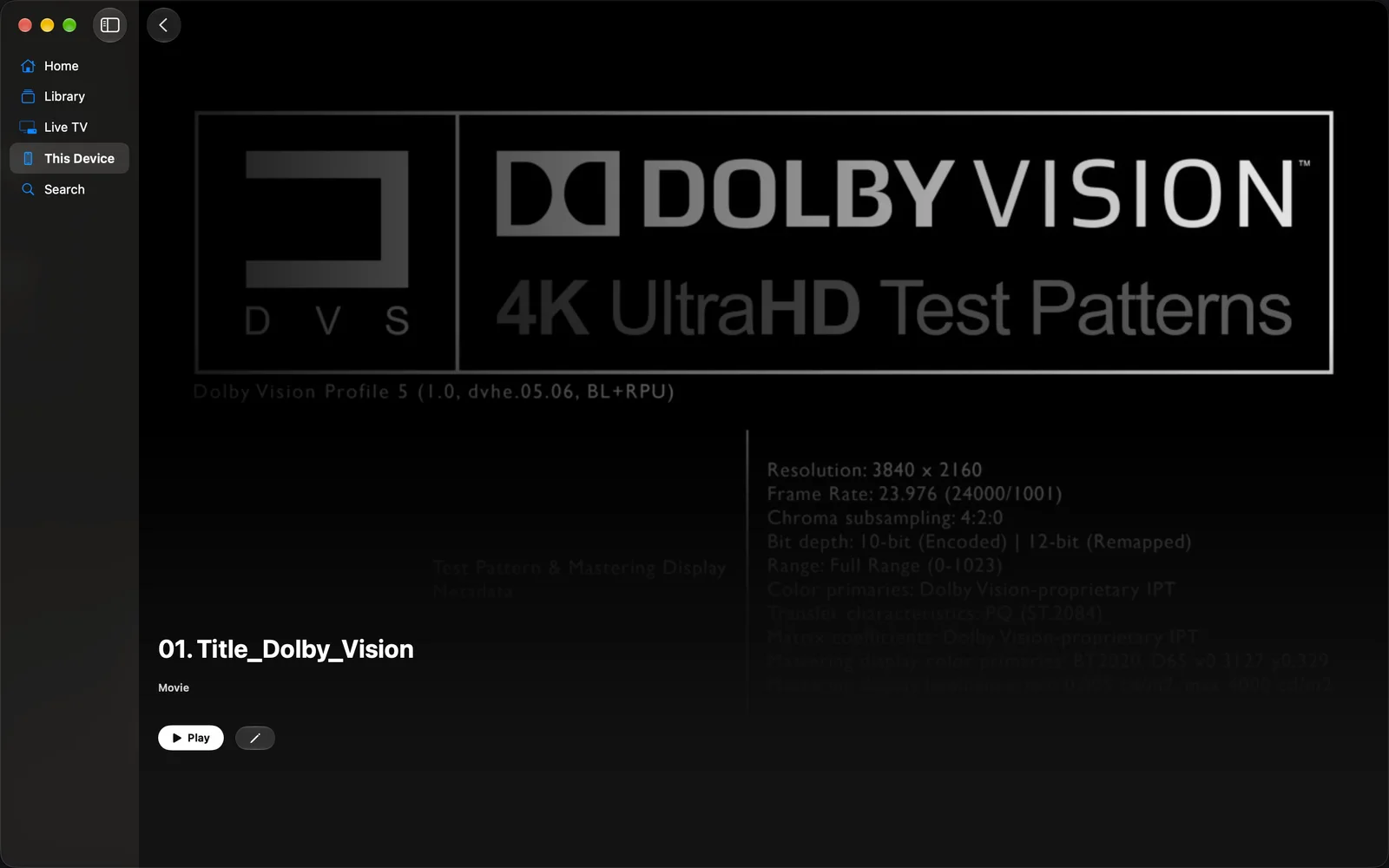
photon on a Mac: a film held on the machine itself, opened from This Device in the sidebar, with a Play button and the file's resolution, frame rate and bit depth beside it.
03

Picture and sound

It plays the file you actually have

Dolby Vision, HDR10, MKV, lossless soundtracks. photon plays your files as they are rather than settling for a flattened-down copy of them — nothing is re-encoded, so nothing is lost on the way to your screen.

  • Dolby Vision and HDR10, properly, not a washed-out fallback
  • TrueHD and DTS-HD Master Audio, lossless, in full surround
  • Subtitles drawn over the picture instead of burned into it
04

No overclaiming

Badges that tell the truth

The Dolby Atmos badge appears when you are actually getting Atmos — not when the file name hints at it. If a soundtrack cannot reach your speakers as Atmos, photon tells you what you are getting instead, which is more than most players will.

05

Live TV

A TV guide, not a wall of channels

Add a Live TV subscription and you get a real schedule to browse: categories beside the grid on Apple TV and the Mac, favourites and channel groups on iPhone. Its films and shows can join the rest of your library, or stay out of the way.

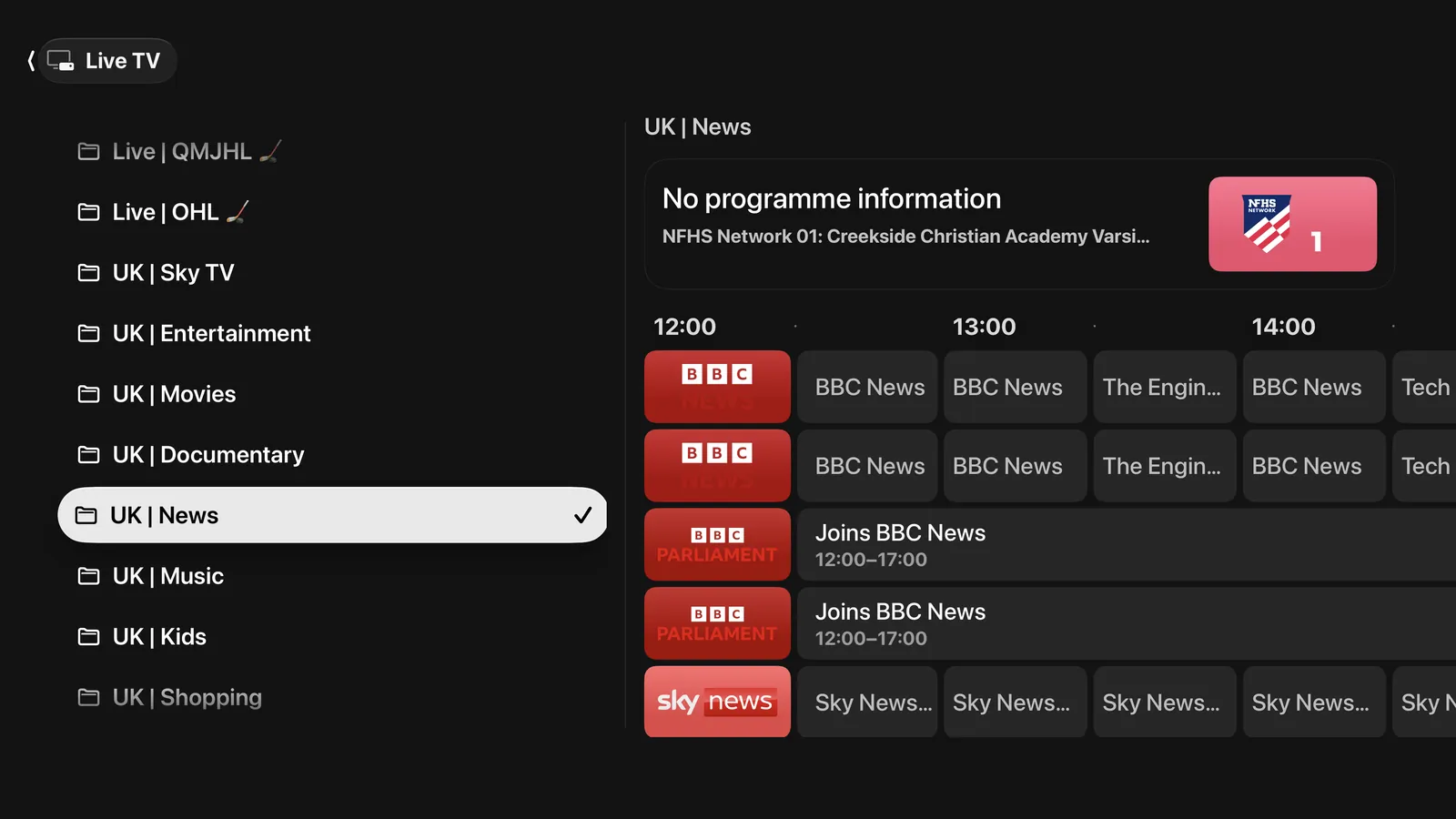
The Live TV guide on Apple TV: categories down the left with UK News picked out, and the afternoon's schedule beside it — channels in rows, programmes across the columns.
06

Offline

Take it with you

Download anything before a flight. The audio tracks and subtitles come with it, and it looks and sounds exactly as it does at home. Your Lock Screen shows how the download is getting on, and you can keep downloads to Wi-Fi.

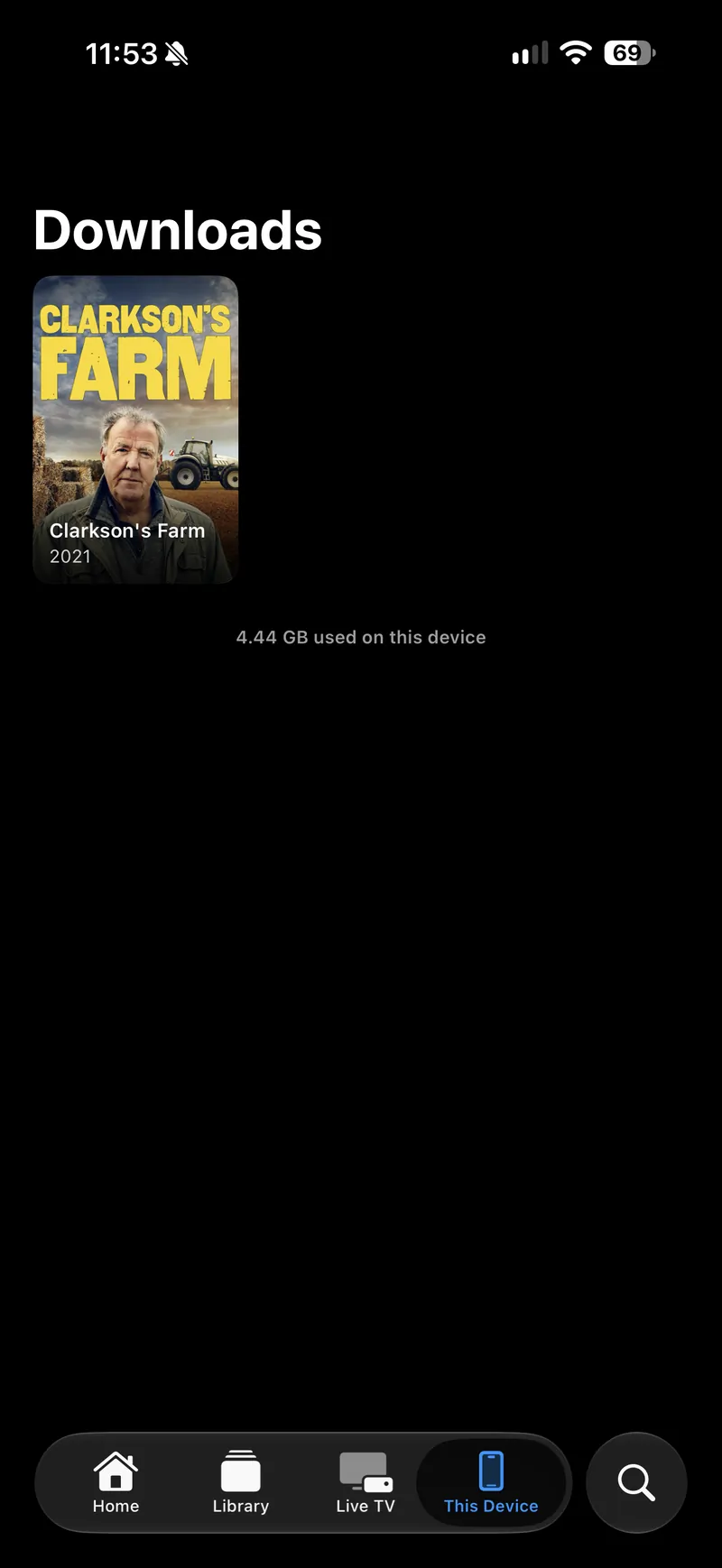
photon on iPhone: the Downloads screen, a series kept on the phone itself, and how much of the device it is taking up.
07

Around the system

Where you expect it to be

Ask Siri to play something and it opens. Find a film in Spotlight from the Home Screen. Start something on your phone and pick it up on the Apple TV exactly where you left off.

  • Top Shelf on Apple TV, widgets and Live Activities on iPhone
  • A real menu bar on the Mac, with keyboard shortcuts that work
  • Whatever you are part way through, on whichever device you pick up
08

Preferences

Set your languages once

Choose the language you listen in, the language you read in, and when subtitles should come on at all. Left alone, subtitles appear for a film in a language you do not speak and stay out of the way of one you do.

09

Privacy

Nothing about you leaves your devices

There is no account to make, no analytics, no tracking, and nothing of ours sitting between you and your films. Passwords go in your keychain. Your list of servers syncs through your own iCloud, with the addresses encrypted.

10

Native

One app, four platforms

Built in SwiftUI for iPhone, iPad, Apple TV and Mac, and laid out properly for each one rather than shrunk down from the last. Larger text, VoiceOver and Reduce Motion all work the way they should.

Specification.

What it plays, and
what it will not claim.

Servers
Silo, Jellyfin, Emby and Plex — as many as you like, at once
Live TV
Xtream Codes subscriptions, with a full guide
Local files
Finder, File ▸ Open on the Mac, or the Files app on iPhone and iPad
Video
HEVC, H.264 and AV1
HDR
Dolby Vision (profiles 5, 7 and 8.1), HDR10 and HLG
Files
MKV, MP4, MOV and TS — played as they are, never re-encoded
Audio
Dolby Atmos, Dolby Digital Plus, TrueHD, DTS-HD Master Audio, AAC, ALAC, FLAC and Opus
Subtitles
PGS, VobSub, SubRip, ASS/SSA and WebVTT — drawn over the picture
Platforms
iPhone, iPad, Apple TV and Mac
Requires
iOS, iPadOS, tvOS or macOS
Price
Free for one week, then £1.99 a month or £9.99 a year — or £39.99 once, if you would rather not subscribe. Apple shows the price in your own currency.

What you actually get depends on the file and on what the device you are watching on can show and play. Where photon cannot give you the best version of something, it tells you what you are getting instead rather than putting a badge up and hoping.
Every file you own. One library.

iOS, iPadOS, tvOS or macOS

App Store