Library is the one tab that does not merge sources. It answers “what is on that machine”: each connected server, and any films and shows from a Live TV subscription, one at a time under its own name.
The picker
The tab opens on a list of shelves grouped by source rather than on a wall of titles, so every shelf is one press away and the app does not have to guess which one you wanted. Once you pick a shelf, the wall gets the whole screen.
If you only have one shelf in the whole app, there is no picker and the tab is that wall.
Sorting a wall
The sort control above the wall takes five orders:
| Title | Alphabetical. |
| Recently Added | What appeared on the server most recently. |
| Release Date | The year the title came out. |
| Rating | Highest rated first. |
| Run Time | Longest or shortest. |
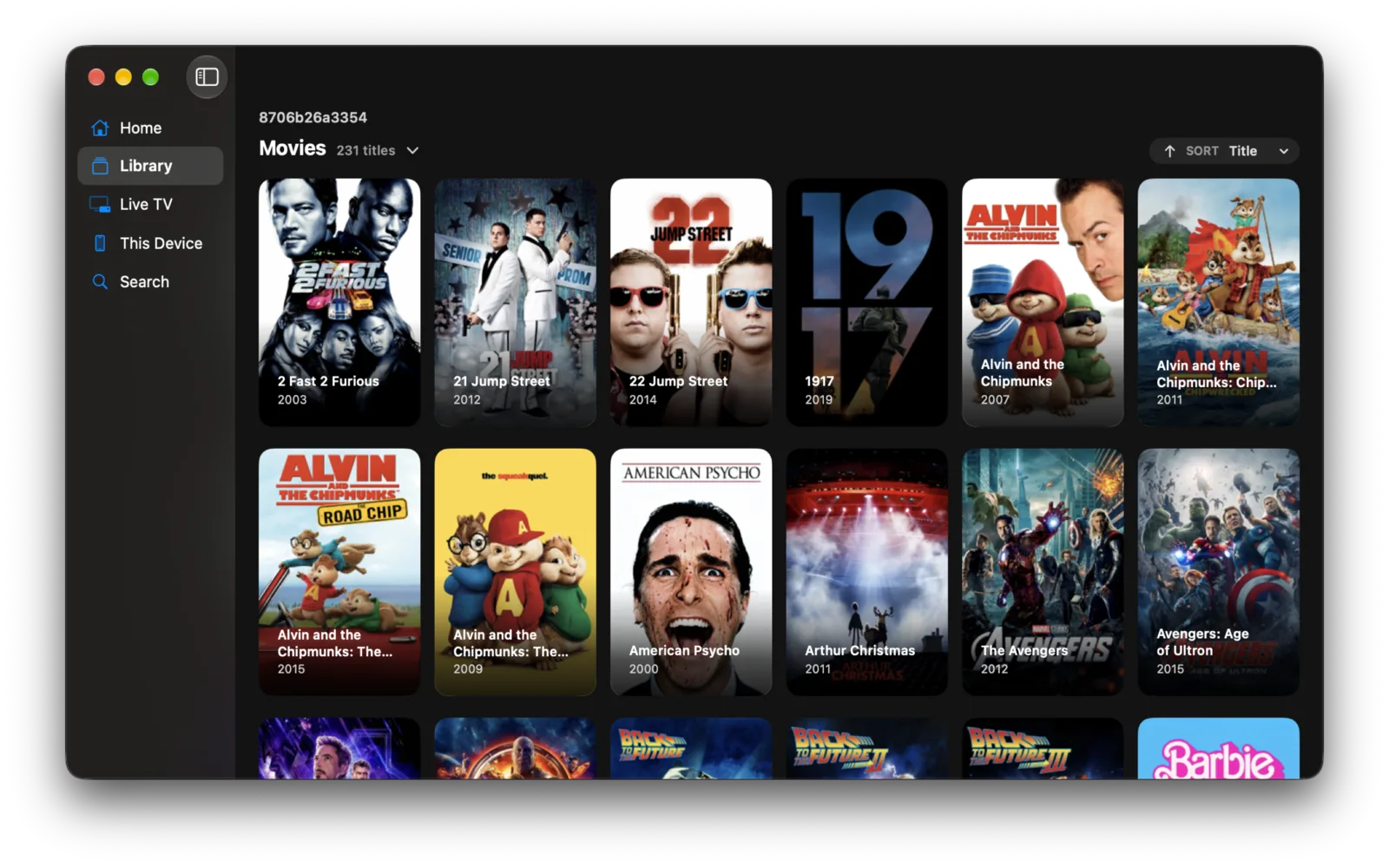
The header also says how many titles the shelf holds, which is the quickest way to see whether a library finished scanning on the server.
Collections and box sets
A collection is a card like any other. Opening it gives a wall of what is inside rather than a page about it, on every server that keeps collections.
Reordering and hiding
Settings ▸ General ▸ Libraries orders the shelves and turns any of them off.
Turning a library off removes it from the whole app. Home and Search stop offering it too, which is the difference between it and hiding a Home row.
Card size
Card size is one setting for the whole app, in Settings ▸ General ▸ Appearance: Compact, Standard or Large. It changes how many cards a wall or a rail carries, everywhere at once.