Servers are added in Settings ▸ Media Servers ▸ Add Server, and on the welcome screen the first time you open the app. There is no limit on how many you connect, or on the mix, and connecting servers is free.
Which sign-in you get
It depends on the product, not on a preference:
| Plex | You link this device to your Plex account and pick a server from the ones that account reaches. There is no address to enter. |
| Jellyfin, Emby, Silo | You enter the server’s address, photon checks that it really is that kind of server, and then you sign in with your username and password. |
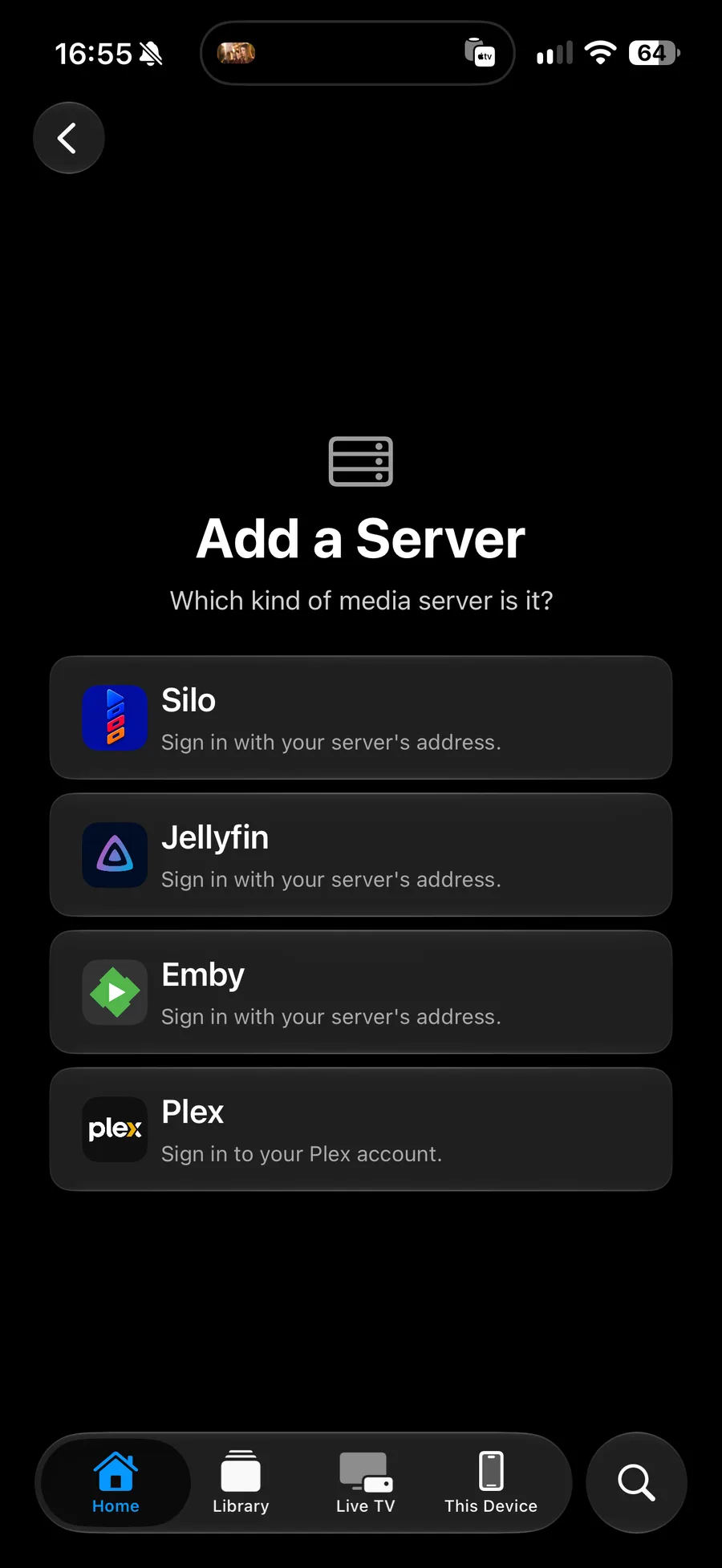
Signing in to Plex
- Go to Settings ▸ Media Servers ▸ Add Server and pick Plex.
- Photon shows a code. Enter it at plex.tv/link, signed in to your Plex account.
- Pick the server you want from the list your account reaches.
Repeat for a second server on the same account. Plex issues each device its own link, so a Plex server is set up separately on each of your devices even with iCloud syncing on.
Entering an address
- Go to Settings ▸ Media Servers ▸ Add Server and pick Jellyfin, Emby or Silo.
- Enter the address, including the port unless it is the standard one. For example,
https://jellyfin.example.comorhttp://192.168.1.20:8096. - Photon checks the address and tells you if it does not answer as that kind of server.
- Sign in with the username and password you use on that server.
If the address is right but photon says it is not that kind of server, you have most likely reached a reverse proxy, a router page or a login portal instead. Open the same address in a browser and see what answers. The connection guide has the rest of the checks.
Signing in on an Apple TV
Typing a password with a remote is unpleasant, so two of the four avoid it.
| Plex | A code, entered at plex.tv/link. |
| Jellyfin, Emby | Quick Connect. Photon shows a code; open Settings ▸ Quick Connect in Jellyfin or Emby on a phone or computer and enter it, and the television signs itself in. |
| Silo | A code, entered at the address photon shows on screen. |
In each case the television waits and signs itself in once the code is approved. Enter Password Instead is offered where Quick Connect is not available, which usually means it is switched off on the server.
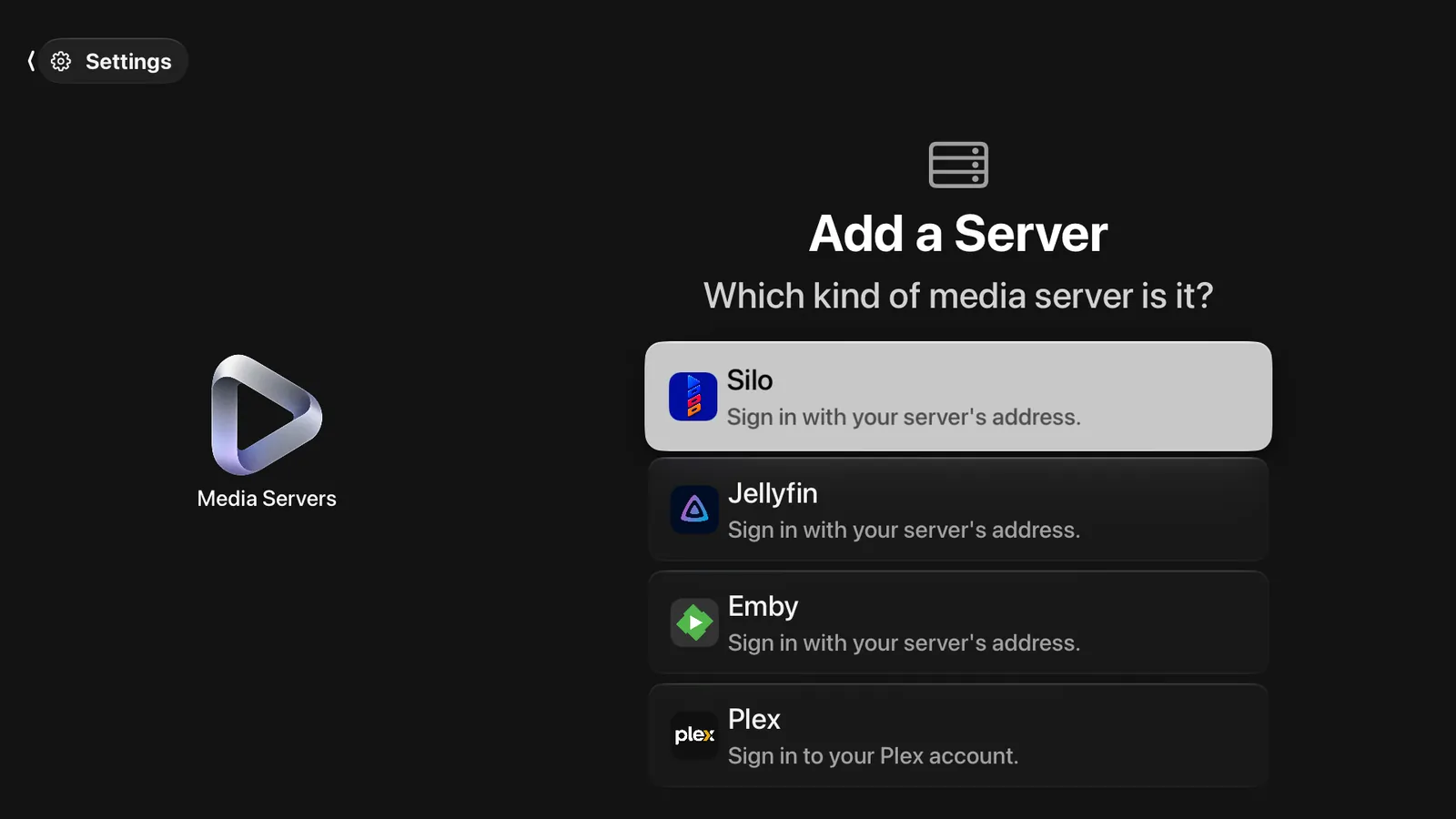
Connecting more than one
Every server you add is asked alongside the others:
- Home and Search merge their answers, so one screen covers everything you own.
- Library keeps each server’s shelves under its own name, one source at a time.
- A server that is off is left out of the merge rather than emptying the page, and it comes back on its own when it answers again.
Nothing is designated the main server, and there is no order to set. If you want a particular library gone from the app, turn it off in Settings ▸ General ▸ Libraries.
What differs between the four
| Watchlists | Silo only. On the others, favourites do the same job. |
| Profiles | Silo only. A Plex, Jellyfin or Emby account is a single viewer, so switching means signing in as someone else. |
| Theme music | Plex, Jellyfin and Emby, where the library has a tune. |
| Collections and box sets | All four, where the server keeps them. They appear as a card that opens onto its contents. |
| Downloads | All four, if the server allows it for your account. Settings ▸ Downloads says which do. |
Removing a server
Settings ▸ Media Servers ▸ the server ▸ Remove. Its shelves leave the app and its sign-in is deleted from the keychain. Nothing on the server itself is changed, and watch progress you have already reported stays where it is.