Photon works with no server at all. On a Mac it is a video player in its own right, and on iPhone and iPad it opens anything handed to it from the Files app.
Opening a file on a Mac
There are four ways, and they all end in the same place:
- Double-click a video in the Finder, if photon is the default player for that kind of file.
- Drag the file onto the app or its icon.
- Use File ▸ Open, or ⌘O.
- Use File ▸ Open Recent for something you have opened before.
Photon registers itself for every format it plays, so MKV, M2TS, ASF, VOB and WTV files are selectable in the open panel rather than greyed out.
Making photon the default player
- Select a video in the Finder.
- Press ⌘I to open the Info window.
- Under Open with, choose photon.
- Press Change All to apply it to every file of that kind.
Repeat for each container you want photon to own. macOS treats an MKV and an MP4 as different kinds of file.
Opening a file on iPhone or iPad
- Open the Files app and find the video.
- Press it, then share it to photon; or use Open In from any app that offers it.
The file plays with the same picture and sound as anything else in the app, including its embedded subtitle and audio tracks.
Finding it again
| File ▸ Open Recent | On a Mac, what you have opened before. Playing one resumes where you left off. |
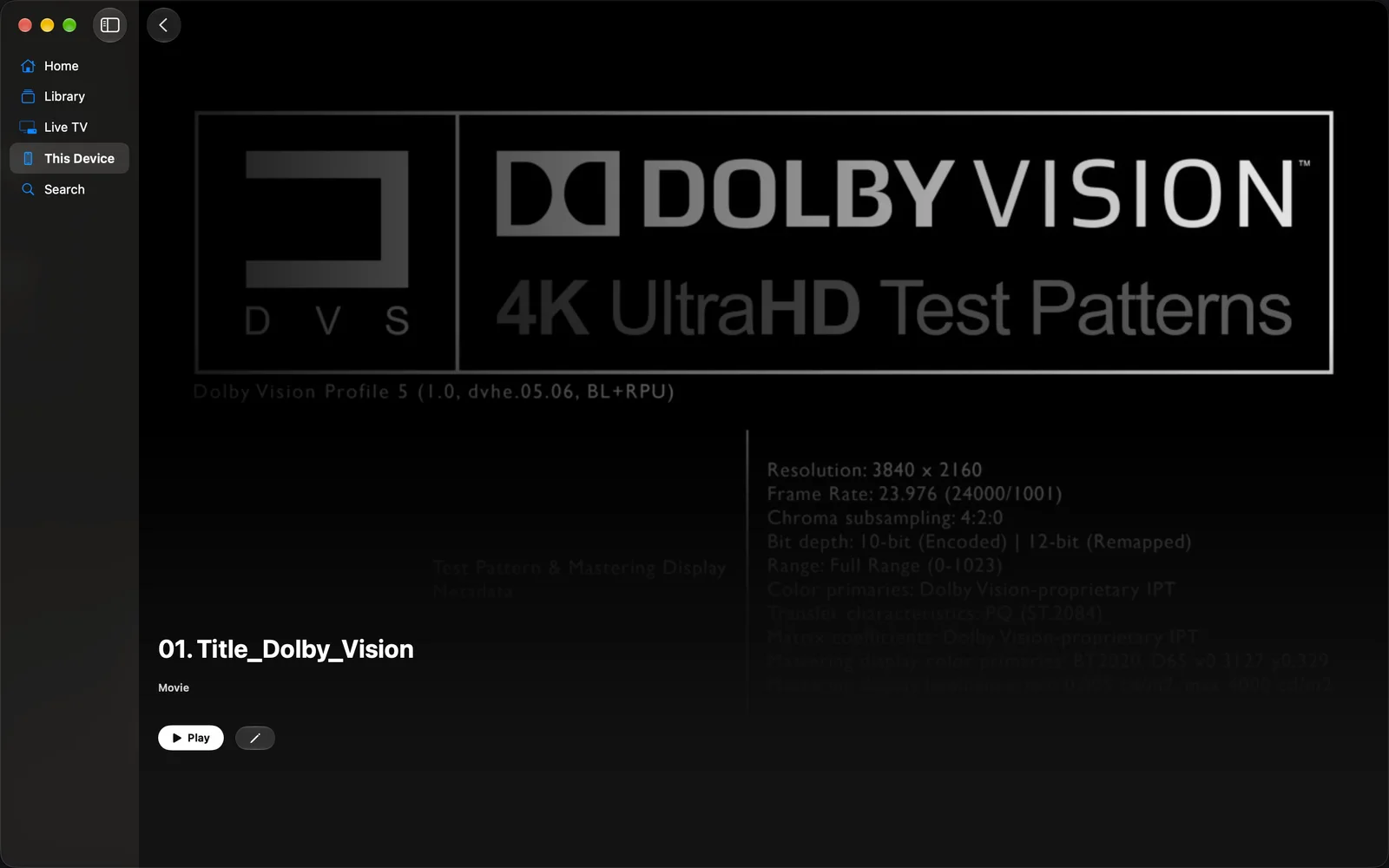
| This Device ▸ Files | On iPhone, iPad and Mac. It appears beside Downloads once you have opened anything, and it remembers your position in each file. |
| Spotlight | Files you have opened are offered from the Home Screen, and open straight into photon. |
Your own files are not gated
A 4K MKV with a TrueHD soundtrack that you opened yourself plays whether or not you have Pro. The format limits apply to what a server or a drive sends, not to a file you handed the app.