The Top Shelf
If photon is in the top row of the Apple TV Home Screen, the shelf above it carries what you are part way through.
- Each tile names the show and the season it belongs to, rather than only the show.
- Selecting one opens photon on that episode, not on the show’s own guess at where you are.
- It follows your watch progress without the app being opened.
To move photon into the top row, hold Select on its icon on the Apple TV Home Screen and drag it up.
Signing in without typing
All four sign in with a code shown on the television, so there is no password to type with the remote:
| Plex | Enter the code at plex.tv/link. |
| Jellyfin, Emby | Quick Connect. Enter the code in Settings ▸ Quick Connect in Jellyfin or Emby on a phone or computer. |
| Silo | Enter the code at the address photon shows. |
The television waits and signs itself in once the code is approved. Enter Password Instead appears where Quick Connect is not offered, which usually means the server has it switched off.
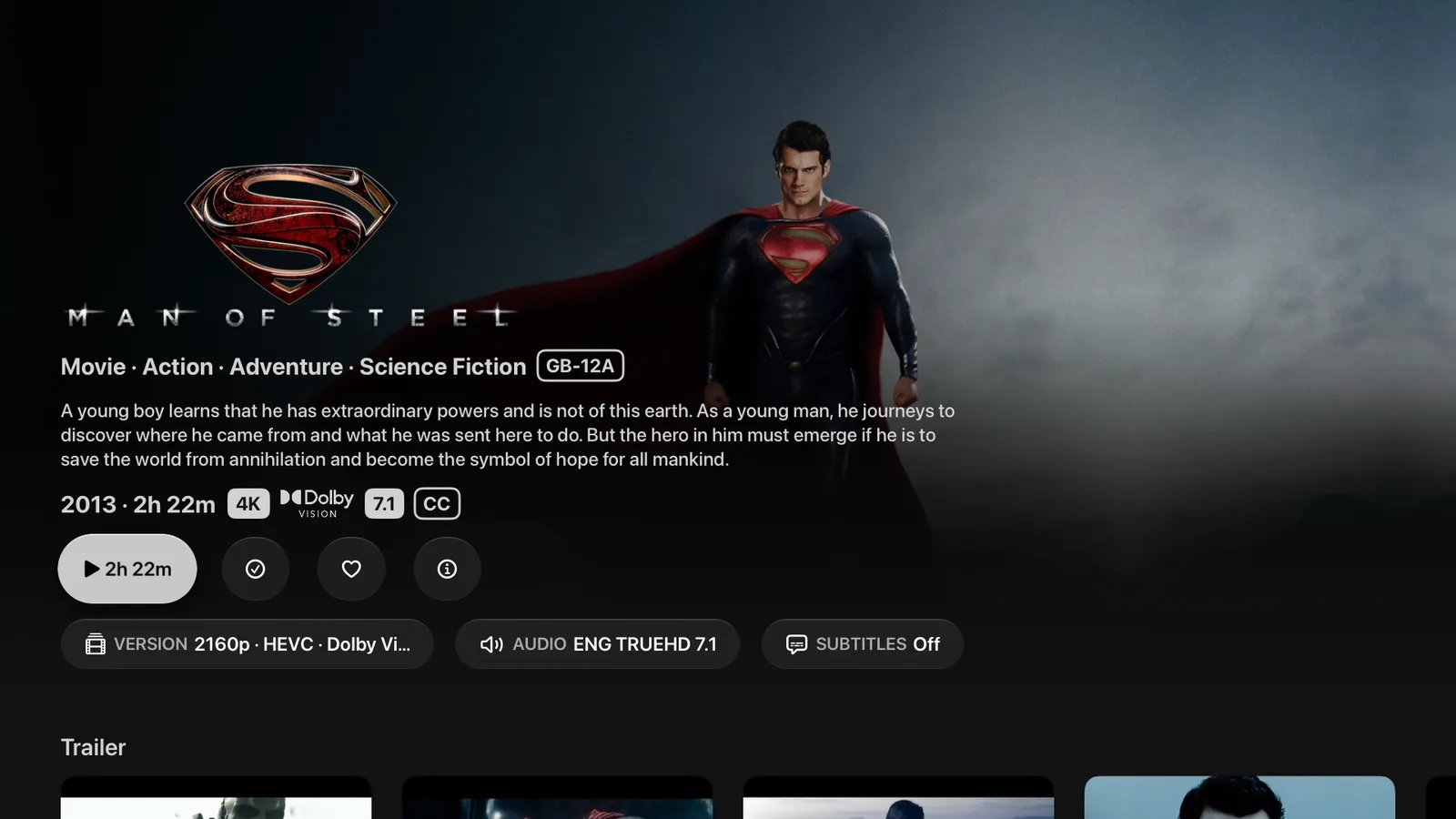
Moving around
- The guide. Live TV puts the categories beside the schedule, and the column folds away when focus moves into the grid so that all four directions stay inside it. Back brings it out; Back again leaves the tab.
- Skip intro and credits. The button is the system’s own contextual action, drawn by tvOS over the picture while the transport bar is down.
- Up Next. A card stands over the end of an episode offering the next one, and it can be cancelled with Back.
What is not available
| Downloads and This Device | An Apple TV has no storage you can manage and cannot be handed a file. |
| Dropbox and Google Drive | Not offered under Drives. OneDrive and WebDAV shares are. |
| Redeem Code | Redeem on an iPhone, iPad or Mac using the same Apple Account, and Pro applies here. |
| Spotlight and Handoff | Neither exists on tvOS. Your server’s own watch progress is what continues a title here. |